
Relay Server
Run and configure kftray-server, the in-cluster proxy that relays TCP and UDP traffic.
kftray-server is a Rust network proxy that forwards traffic between a client and a target server. kftray deploys it in your cluster for UDP forwarding, proxy workloads and expose workloads. You can also run it yourself as a container.
The source is in the crates/kftray-server directory of the repository. For how kftray deploys and connects to it, see Architecture.
Modes
The server handles TCP and UDP traffic and picks a mode from PROXY_TYPE.
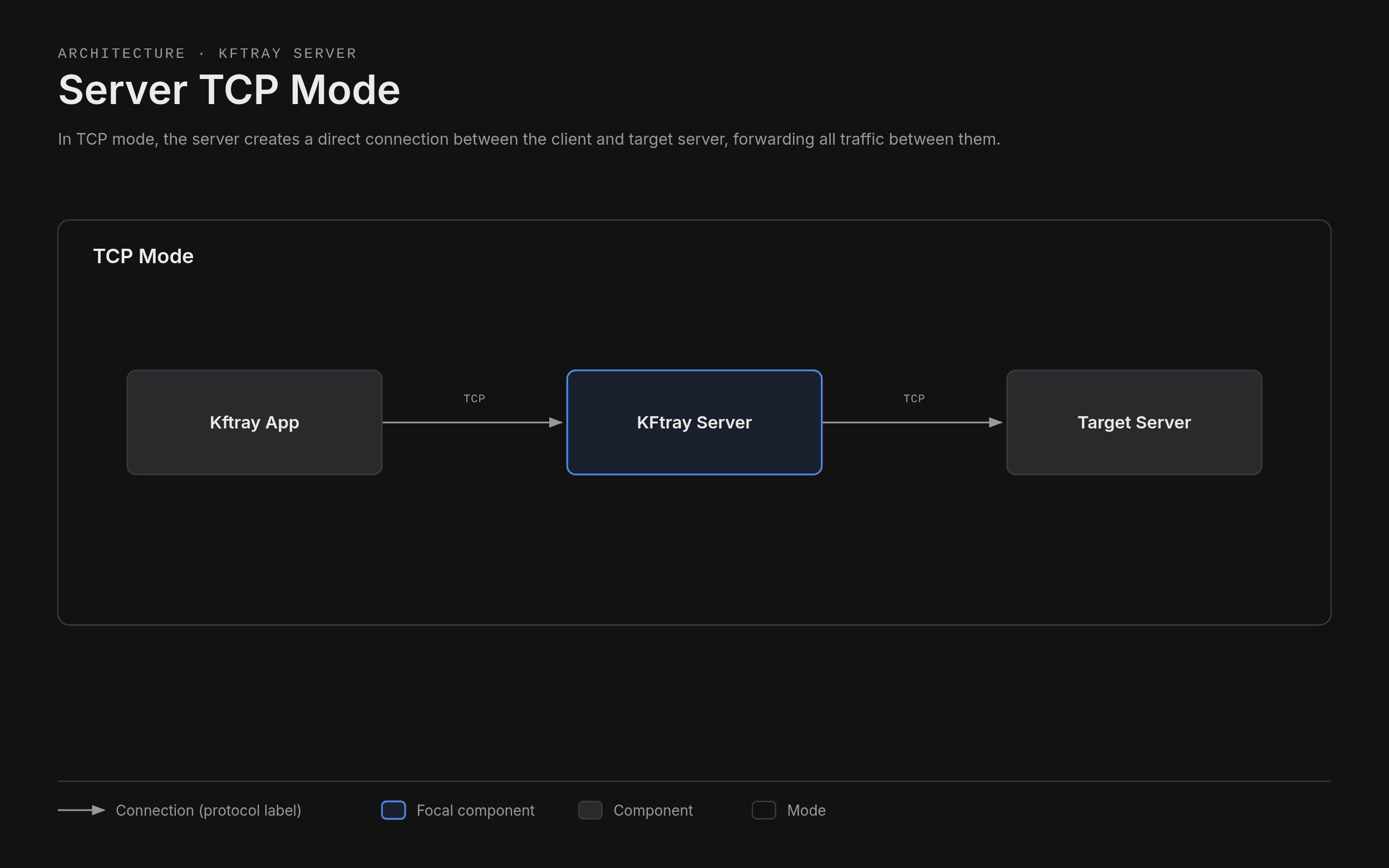
TCP mode
The server opens a direct connection between the client and the target server and forwards all traffic between them.
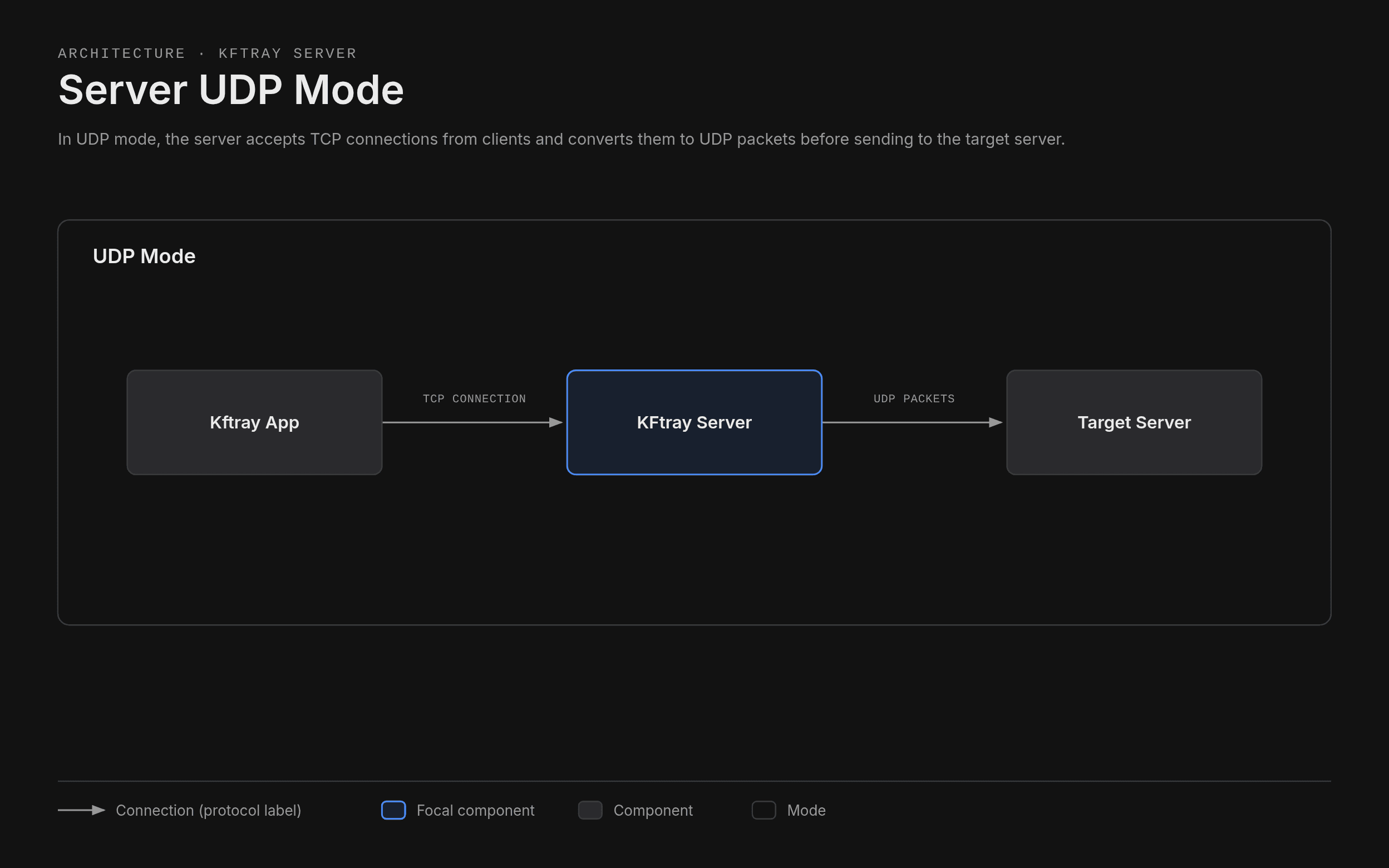
UDP mode
The server accepts TCP connections from clients and converts them to UDP packets before sending them to the target server. This helps when UDP traffic has to cross a network that only allows TCP, such as the Kubernetes port-forward API.
Reverse HTTP mode
PROXY_TYPE also accepts reverse_http. In this mode the server reads two extra variables, HTTP_PORT and WEBSOCKET_PORT. The expose workload type routes traffic through kftray-server.
Configuration
The server reads its settings from environment variables:
| Variable | Description | Image default |
|---|---|---|
REMOTE_ADDRESS | Address of the target server. A hostname, an IP address or a URL | 127.0.0.1 |
REMOTE_PORT | Port on the target server | 8080 |
LOCAL_PORT | Port the server listens on | 8080 |
PROXY_TYPE | tcp or udp. The server also accepts reverse_http | tcp |
HTTP_PORT | HTTP port for reverse_http mode | 8080 |
WEBSOCKET_PORT | WebSocket port for reverse_http mode | 9999 |
The defaults in the table apply to the container image. HTTP_PORT and WEBSOCKET_PORT have built-in defaults and only matter in reverse_http mode. When REMOTE_ADDRESS is a URL, the server uses only its host part. The server exits with a configuration error if a required variable is missing or a port isn't a number.
REMOTE_ADDRESS=target.host    # The address of your target server
REMOTE_PORT=8080              # The port on your target server
LOCAL_PORT=8080               # The port the server listens on
PROXY_TYPE=tcp                # Either 'tcp' or 'udp'
Run with Docker
docker run -e REMOTE_ADDRESS=target.host \
          -e REMOTE_PORT=8080 \
          -e LOCAL_PORT=8080 \
          -e PROXY_TYPE=tcp \
          -p 8080:8080 \
          ghcr.io/hcavarsan/kftray-server:latest
The release workflow publishes the image to ghcr.io/hcavarsan/kftray-server for linux/amd64 and linux/arm64. If you build the image yourself, use your own tag in place of the registry name.
Container image
The crates/kftray-server/Dockerfile builds a statically linked binary with musl and copies it into a scratch image. The image runs as the non-root user 65532:65532, exposes port 8080 and has no shell.
To check the signatures, provenance and SBOM of a released image, see Security.